What an SOP is
A standard operating procedure (SOP) is a written, step-by-step description of how a routine task is done, so it is done the same way every time, whoever does it. Good SOPs make training faster, cut mistakes on tasks that matter, and keep a job running when the one person who "just knows" is away.
Write one for tasks that are repeated, easy to get wrong, or costly when they go wrong: opening and closing a shop, processing a refund, onboarding a client, cleaning equipment, backing up data.
The parts of this template
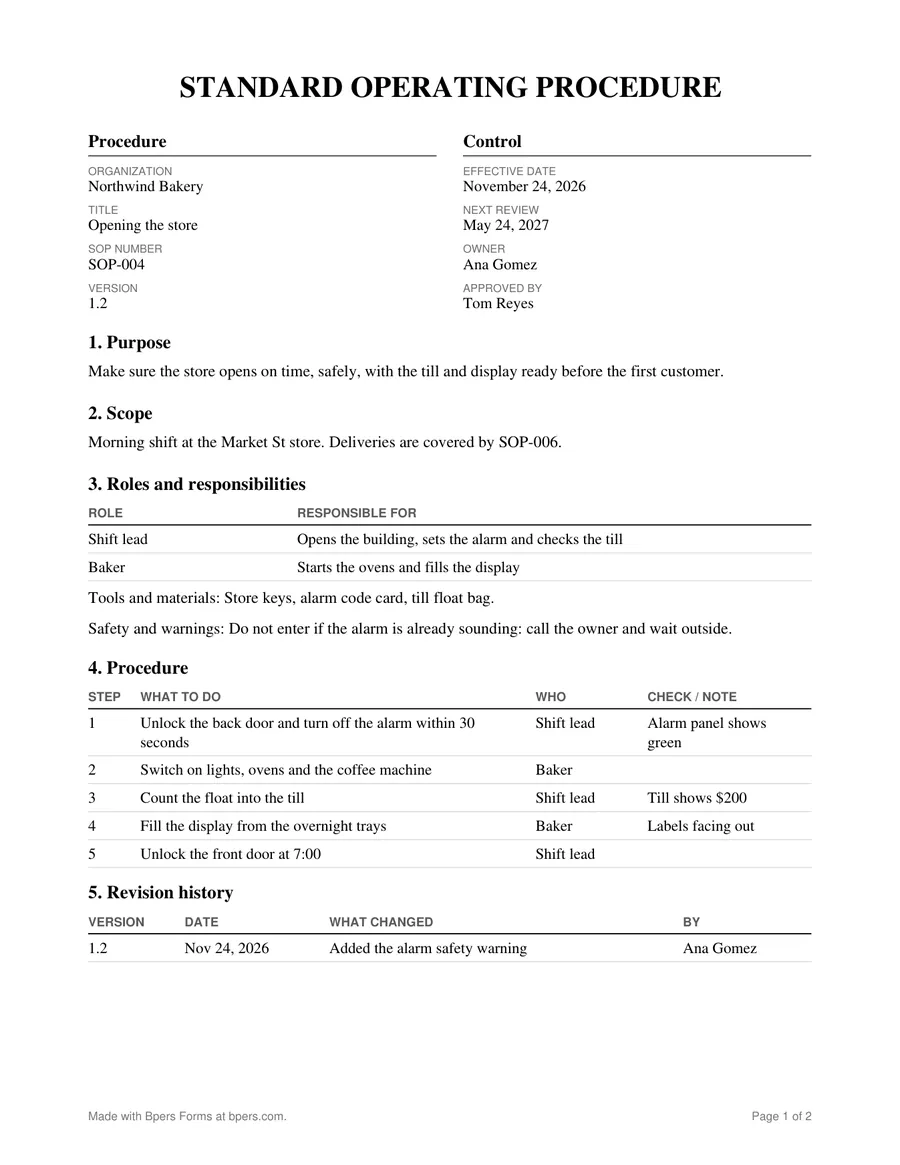
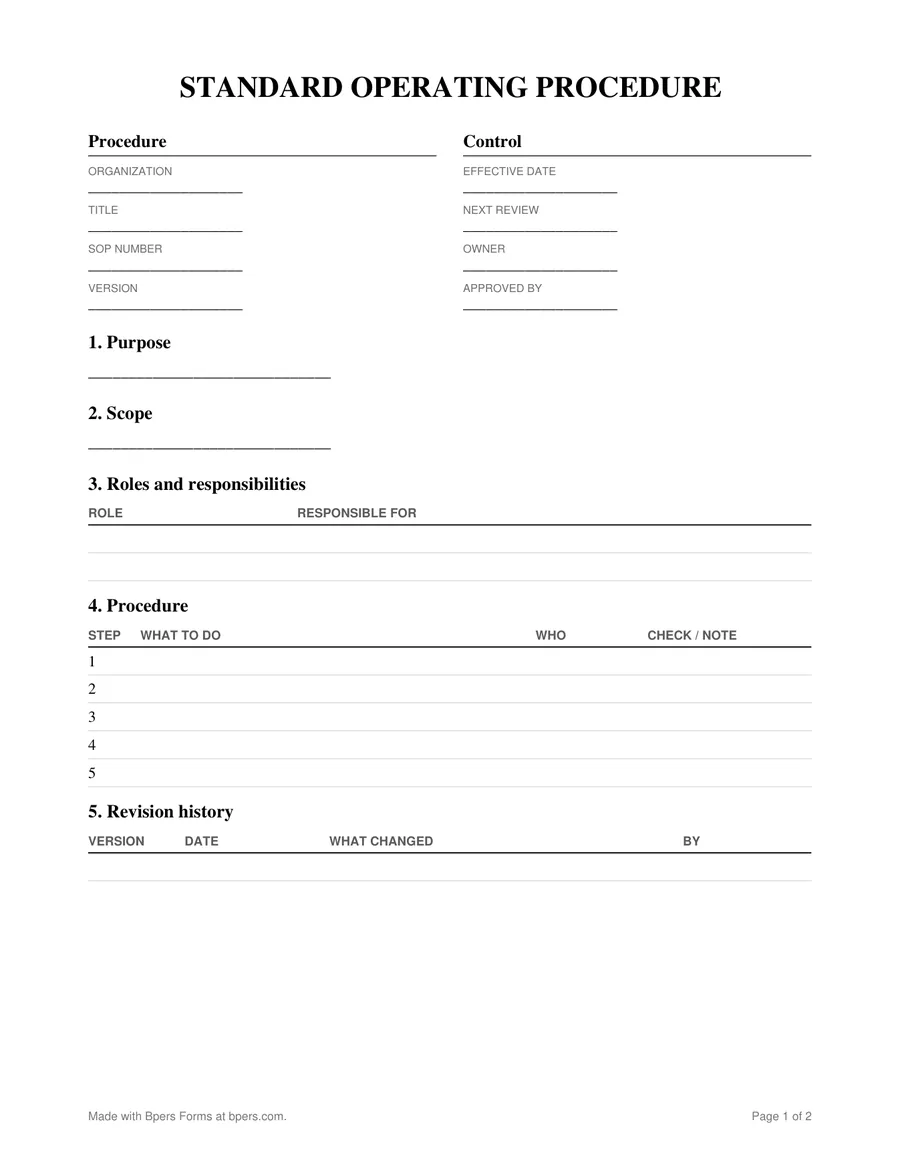
- Document box: a number, version and dates, so everyone can tell they are reading the current copy.
- Purpose and scope: why the procedure exists and exactly where it starts and stops.
- Roles: who is responsible for which part.
- Procedure: the numbered steps. Step numbers fill in by themselves as you add or remove lines.
- Revision history and sign-off: what changed, when, and who approved it.
Writing steps people actually follow
- Watch the task being done and write down what really happens, not what should happen.
- One action per step, starting with a verb: "Unlock the back door", not "The door should be unlocked and the alarm checked".
- Put checks where mistakes happen, in the "Check / note" column: "Till shows $200 float".
- Name the role, not the person, so the SOP survives staff changes.
- Test it on someone new. If they get stuck, the step needs rewriting.
Keeping it current
An out-of-date SOP is worse than none, because people trust it. Give each one an owner and a review date, and update the version and revision history whenever a step changes. Download the Word file if you want to keep editing it in Word or Google Docs; the PDF is the signed, shareable copy.
Common questions
How long should an SOP be?
As short as the task allows. Most fit on one or two pages. If a procedure needs more than about 25 steps, split it into separate SOPs.
What is the difference between an SOP and a checklist?
An SOP explains how to do the task and who is responsible. A checklist only lists what to tick off. Many teams use both: the SOP to learn, the checklist on the day.
Can I add pictures or diagrams?
Download the Word file and add them there. The steps, numbering and layout stay as you made them.
Who should approve an SOP?
Someone responsible for the area it covers, usually a manager or the business owner. The sign-off lines are at the bottom.
Is anything I type saved online?
No. It stays in your browser on this device, and the PDF and Word files are made on your device.