What minutes are for
Minutes are the official short record of a meeting: who was there, what was decided, and who agreed to do what. They are not a transcript. A reader who missed the meeting should understand every decision in a minute or two.
Taking minutes during the meeting
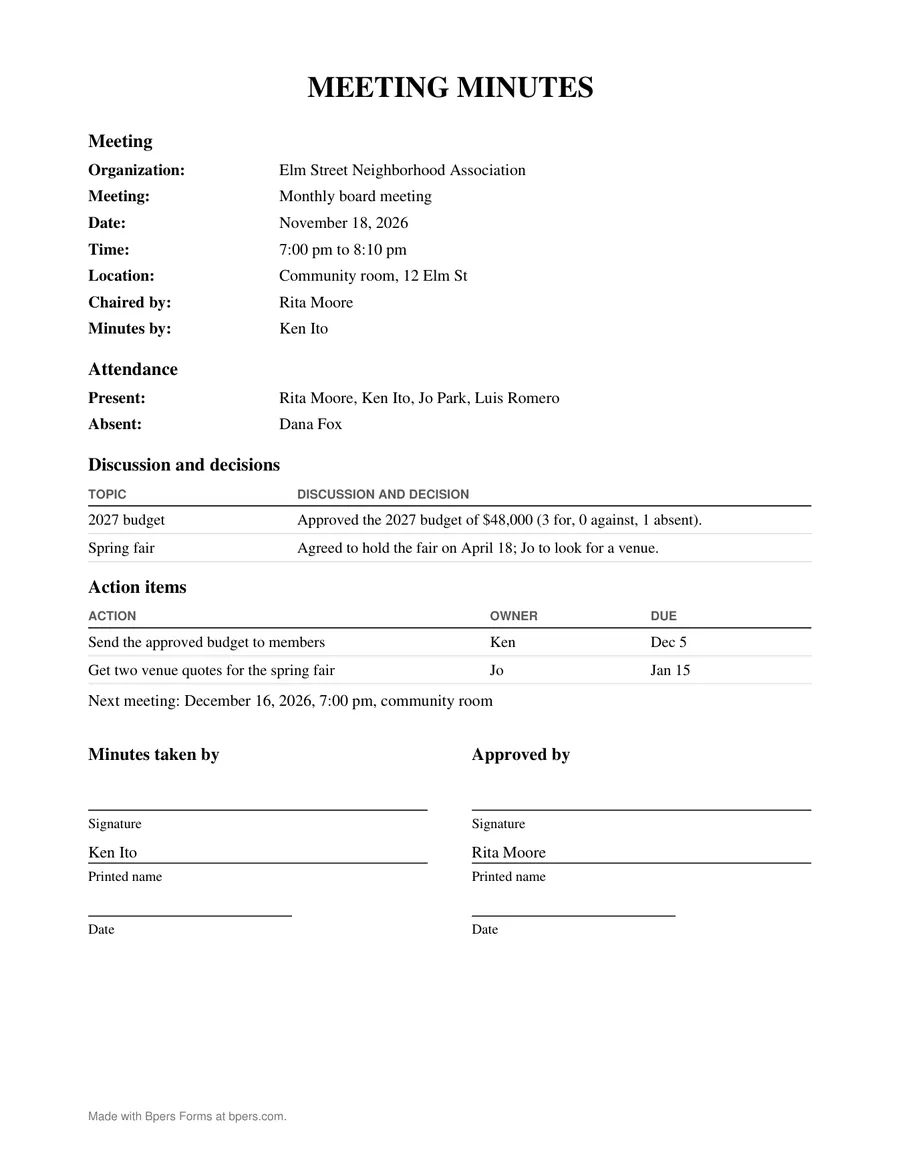
- Write the decision, not the whole debate: "Approved the 2027 budget of $48,000" beats a paragraph of who said what.
- Record votes when your group votes, with the result.
- Give every action item an owner and a due date. An action without an owner usually doesn't happen.
- Note who arrived late or left early if it affected a vote.
After the meeting
Tidy the notes the same day while they are fresh, send them to attendees, and ask for corrections. Many boards and committees approve the previous minutes at the start of the next meeting; the "Approved by" line is there for that. Keep the approved copy with your records.
Using the two tables
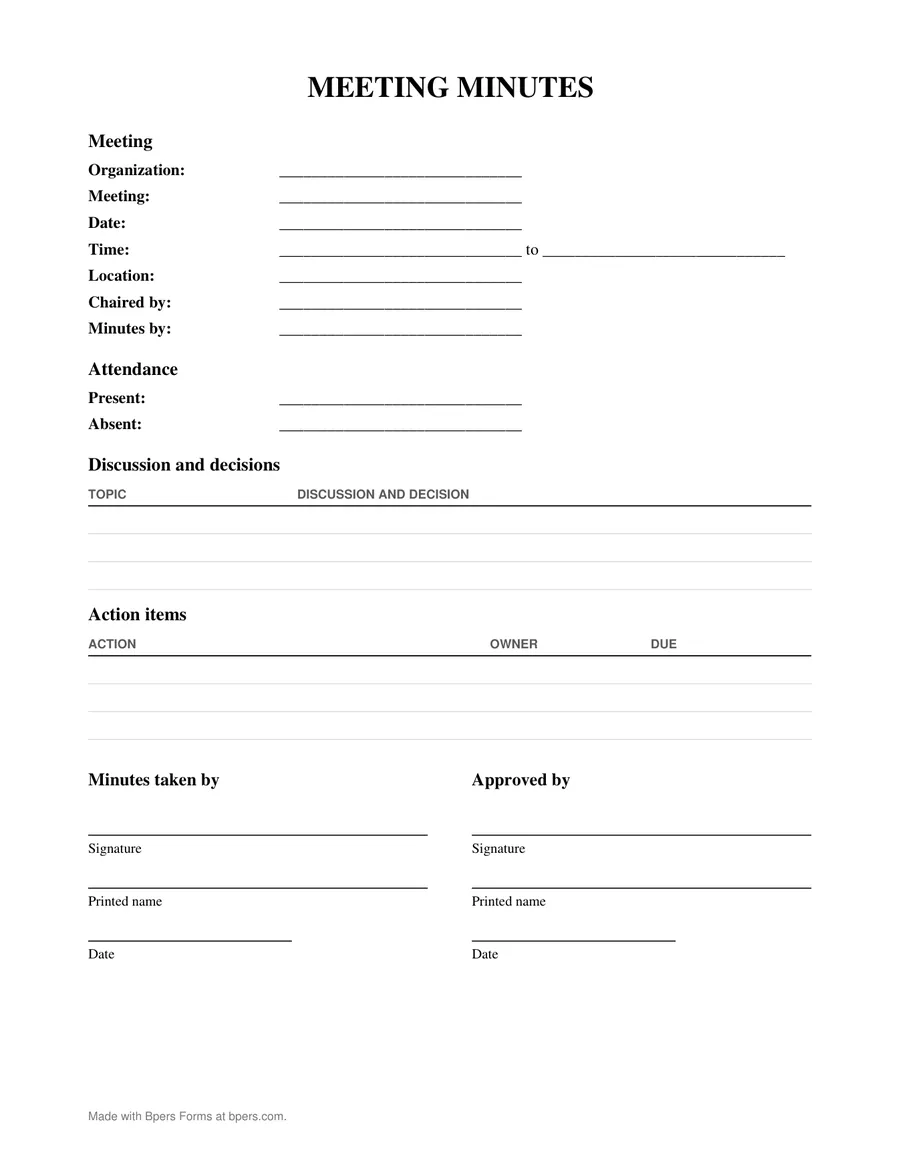
"Discussion and decisions" holds one row per agenda item. "Action items" lists the follow-ups. Add rows as you go, and empty rows are left off the PDF, so you can start with more than you need.
Common questions
How detailed should minutes be?
Detailed enough that someone who missed the meeting knows what was decided and what happens next. Decisions, votes and actions matter most.
Who signs the minutes?
Usually the person who took them, and the chair once they are approved. Both lines are on the sheet.
Can I use this for a board or HOA meeting?
Yes. Use the topics table for each motion and its result. Your bylaws may set extra requirements, so check them.
Is anything saved online?
No. Your notes stay in your browser, and the PDF is created on your device.