What goes on an invoice
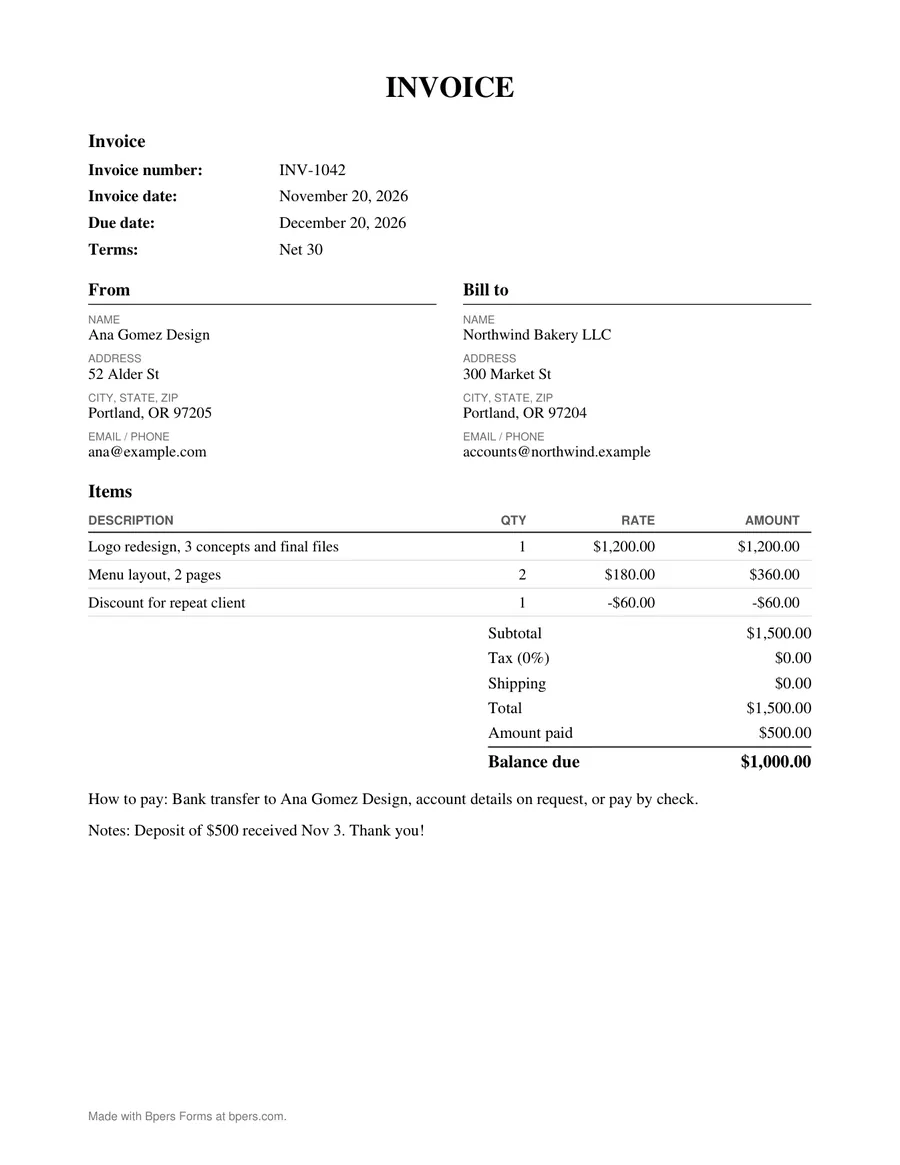
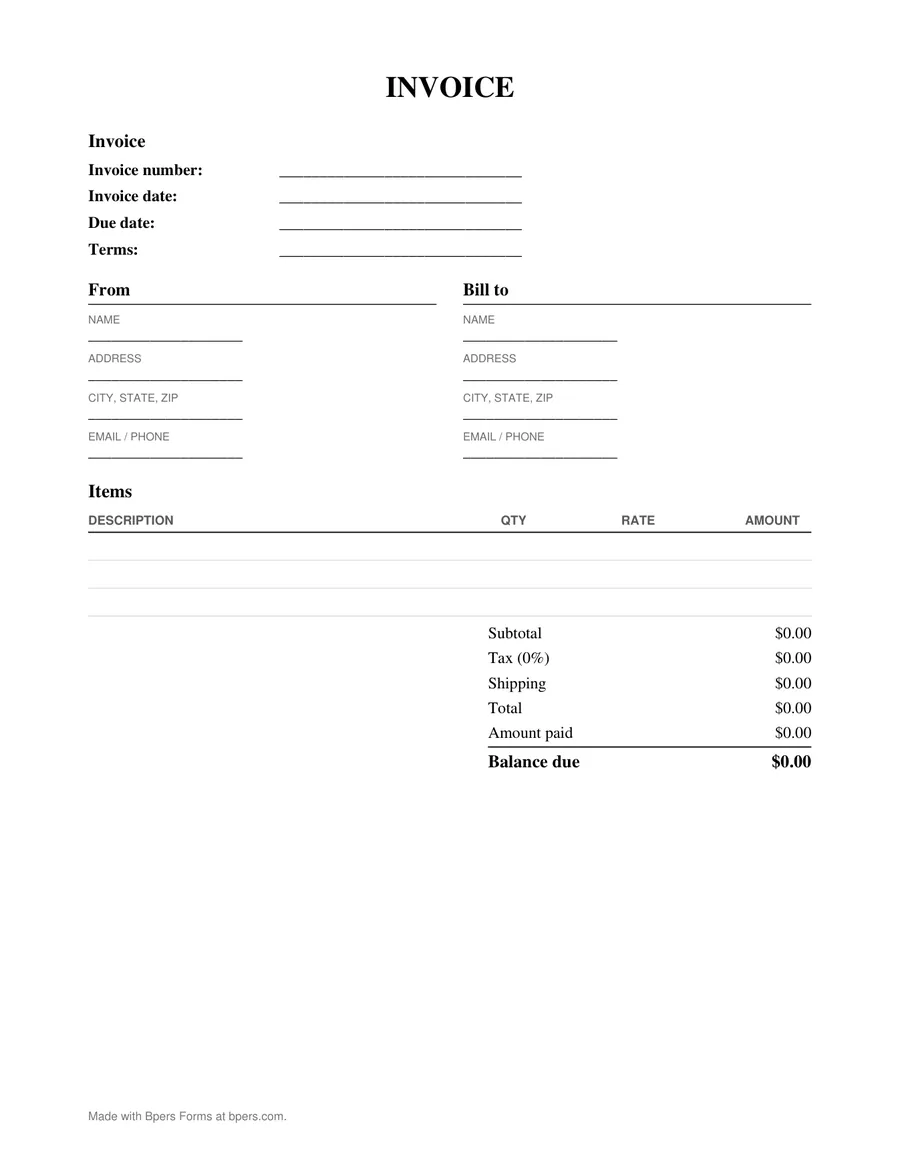
An invoice is your request for payment. Clients pay faster when it answers every question before they have to ask: who it is from, what it is for, how much, by when, and how to pay. This generator lays those out in that order:
- A unique invoice number, so you and the client can refer to it.
- The invoice date and a due date, which turn "Net 30" into an actual day.
- Your details and the client's, with a name that matches their accounts payable records.
- One line per product or service, with quantity and rate.
- Tax, shipping, any payment already received, and the balance still owed.
- How to pay: bank details, a payment link or who checks are made out to.
Numbering your invoices
Use a sequence you never repeat. INV-1001, INV-1002 works; so does a date-based number such as 2026-11-03 if you send at most one a day. Don't restart at 1 each year or each client: duplicate numbers cause confusion when a payment arrives quoting only the number. Keep a simple list of numbers sent, the amount and the date paid. It doubles as your record of who still owes you.
Currency, tax and part payments
Currency: choose it in the panel beside the invoice; every amount, line totals included, switches together. On the PDF the euro and rupee signs are written as EUR and Rs so they print correctly in every PDF reader.
Tax: enter the rate as a percentage (8.25, not 0.0825). It is worked out on the subtotal. Leave it empty if you don't charge tax on this invoice; whether you must charge it depends on where you and your client are, so check your local rules.
Deposits: if the client already paid part, put it in "Amount paid". The invoice then shows the total and the balance due, which is the number the client should pay now.
Getting paid on time
- Send it the day the work is delivered, while the value is fresh.
- Put the due date in the email subject as well as on the invoice.
- Make paying easy: exact bank details or a payment link in "How to pay".
- Follow up politely a few days before the due date, then on the day after it passes, quoting the invoice number and balance.
Common questions
Is this invoice generator really free?
Yes. There is no account, no watermark and no limit. The invoice is built in your browser, so the details you type are not sent to us.
How do I add a discount?
Add a line called "Discount" with a quantity of 1 and a minus sign before the rate, for example -50. It is taken off the subtotal before tax.
Can I invoice in euros or pounds?
Yes. Pick the currency in the panel next to the invoice. All amounts change to it, on screen, in the PDF and in the Word file.
Can I edit the invoice later?
Your last entries stay saved on this device, so you can come back and change them. For a fully editable copy, download the Word version.
What is the difference between an invoice and a receipt?
An invoice asks for payment; a receipt confirms you received it. Once an invoice is paid, you can send a receipt for the same amount.