Why a cover sheet still matters
Faxes usually land on a shared machine in a busy office. The cover sheet makes sure the pages reach the right person, tells them how many to expect, and says what you want them to do. That is why medical offices, law firms, government agencies and many lenders still ask for one.
Filling it in
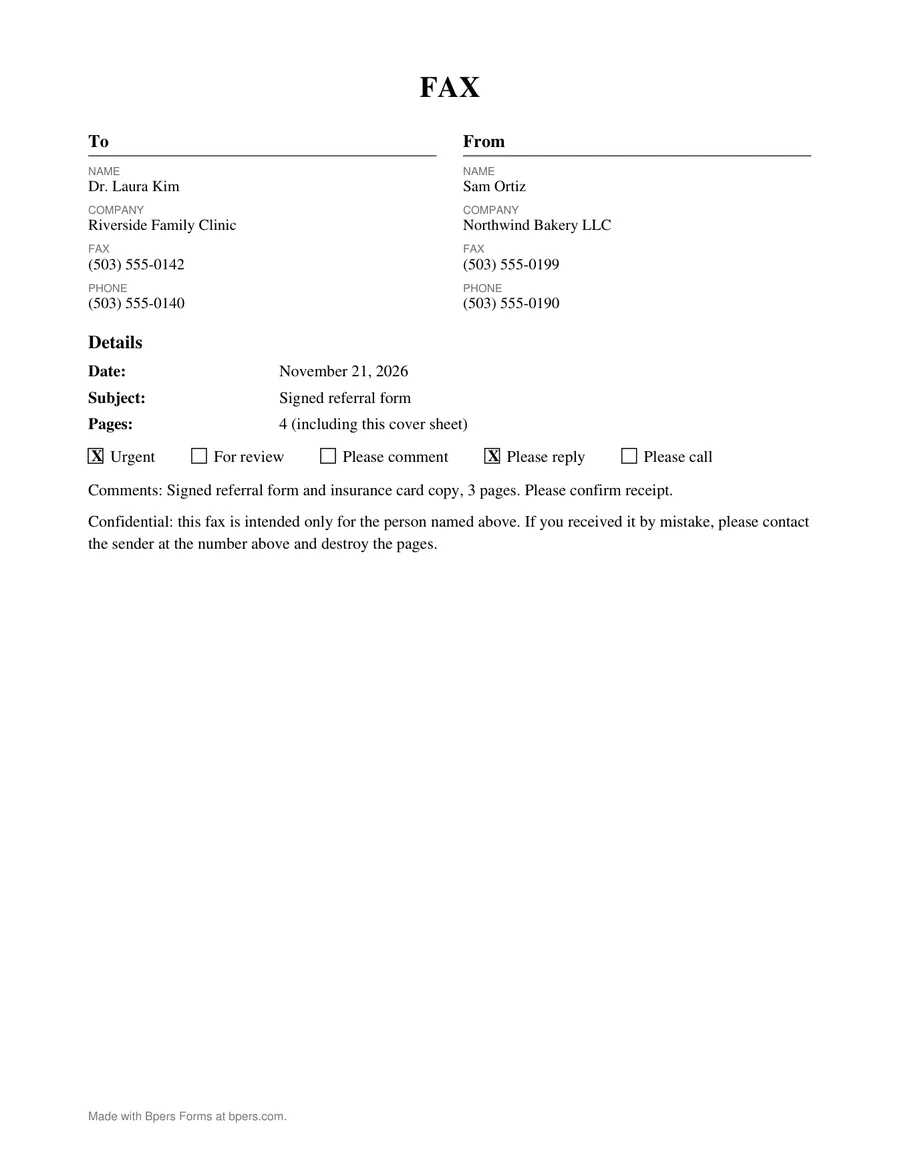
- To and From: include fax and phone numbers, so a missing page can be reported quickly.
- Pages: count every page you are sending, including this cover sheet.
- Tick what you need: Urgent, For review, Please reply and so on. The boxes print exactly as ticked.
- Comments: list what is attached in one or two lines, such as "Signed lease, pages 1 to 6".
The confidentiality note
The short note at the bottom asks anyone who receives the fax by mistake to tell you and destroy it. It is on by default; untick it in the panel for routine faxes. It doesn't replace your own rules for sending sensitive information, such as checking the number before you send.
Sending from a computer
Online fax services and many printers accept a PDF. Download this cover sheet, put it first, then attach your documents as the following pages.
Common questions
Do I count the cover sheet in the page total?
Yes. The usual convention is to include it, and the sheet says "including this cover sheet" so there is no confusion.
Can I print a blank one?
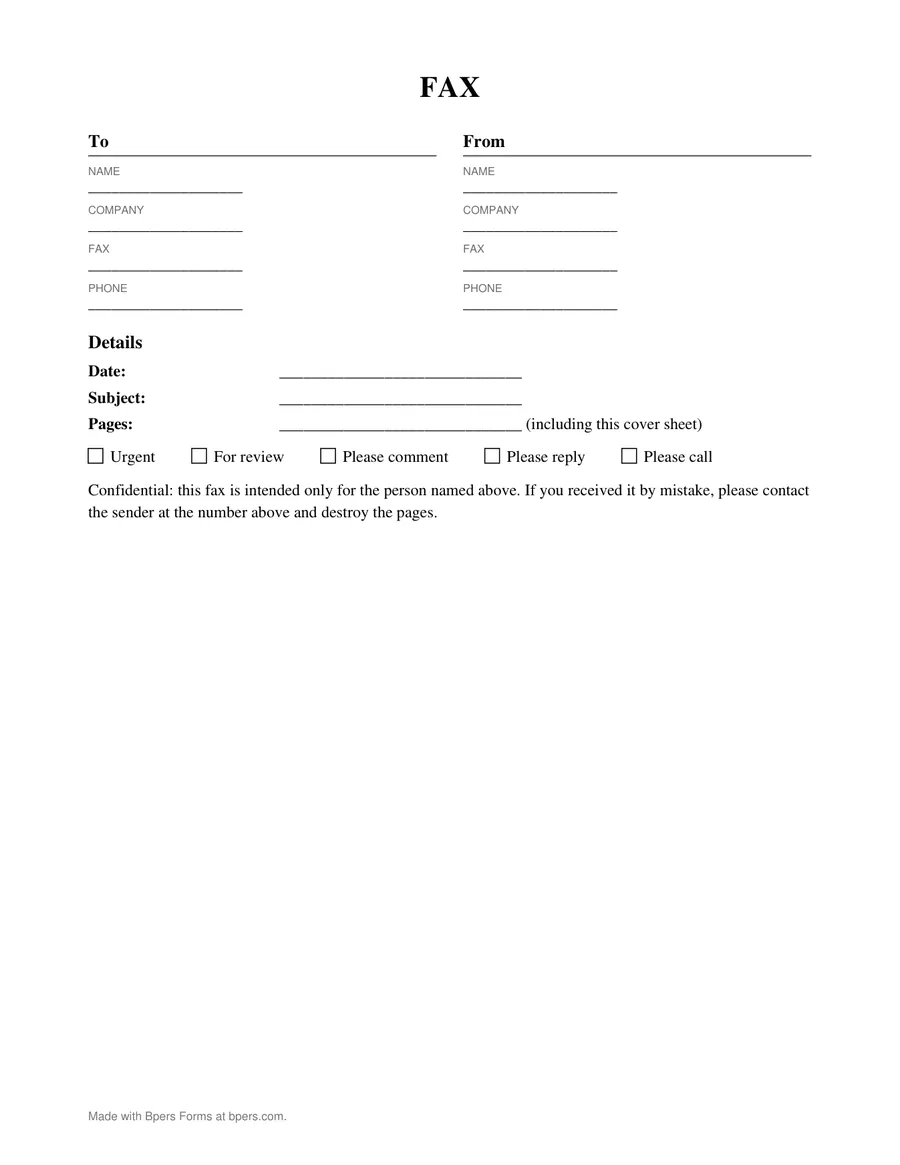
Yes. Leave the fields empty and print; every empty field prints as a line to fill in by hand.
Will the tick boxes print?
Yes. Ticked boxes print with an X, empty ones as empty squares.
Is anything I type saved?
No. It stays in your browser and the PDF is made on your device.